

For Vizi Player
Link your playlist DNS to Vizi Player
Shorten your playlist DNS into a LinkACode ID. Anyone you give the ID to adds it in Vizi Player and the playlist opens, without seeing, or needing to know, the address behind it.
How it works
- Get a LinkACode ID. Take one we assign, like KQ481203, or word your own, like LENDING.
- Point it at your playlist DNS. Enter the address in your account, and change it there whenever you like, free. Only ever in your account: never send your DNS to us by email.
- Give out the ID instead of the DNS. In Vizi Player, Add Playlist has a field for “Playlist URL, or LinkACode.com ID”. Type the ID there or scan it. The username and password go in exactly as before.
What the ID does for you
No limit on users
One ID can be added by as many people, on as many devices, as you like. Nothing caps how many times it is looked up.
Your DNS stays private
Vizi Player keeps the ID, never the address: it is not shown on screen, not saved with the playlist and not put in any error message. Nor can it be worked out from the ID itself.
Encrypted
Your DNS is stored encrypted with AES-256. It is only decrypted to answer an approved app, or to show it back to you in your account, and Vizi Player asks for it over an encrypted connection.
Yours to switch off
Switch the ID off and the playlist stops opening within a minute. Switch it back on just as easily; nobody has to change anything in the app.
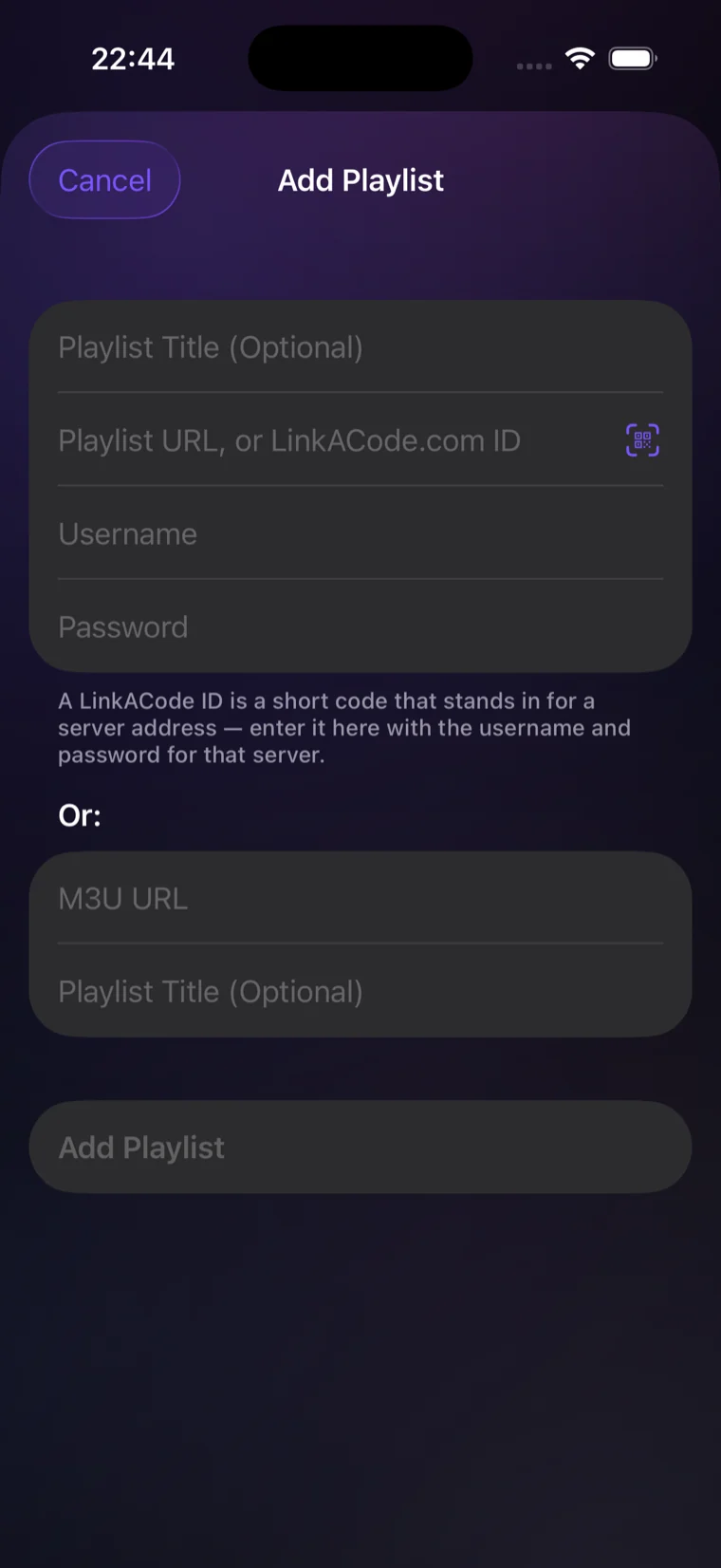
Vizi Player and LinkACode
Vizi Player is a separate app and is not part of LinkACode. It uses the LinkACode API to look up the address an ID stands for.
LinkACode supplies the ID only. It does not host, provide or control any playlist, or anything behind one: read the notice.